 POTLOCK
How to Donate on POTLOCK with Any Supported Chain
2025-03-12 · 6 min read
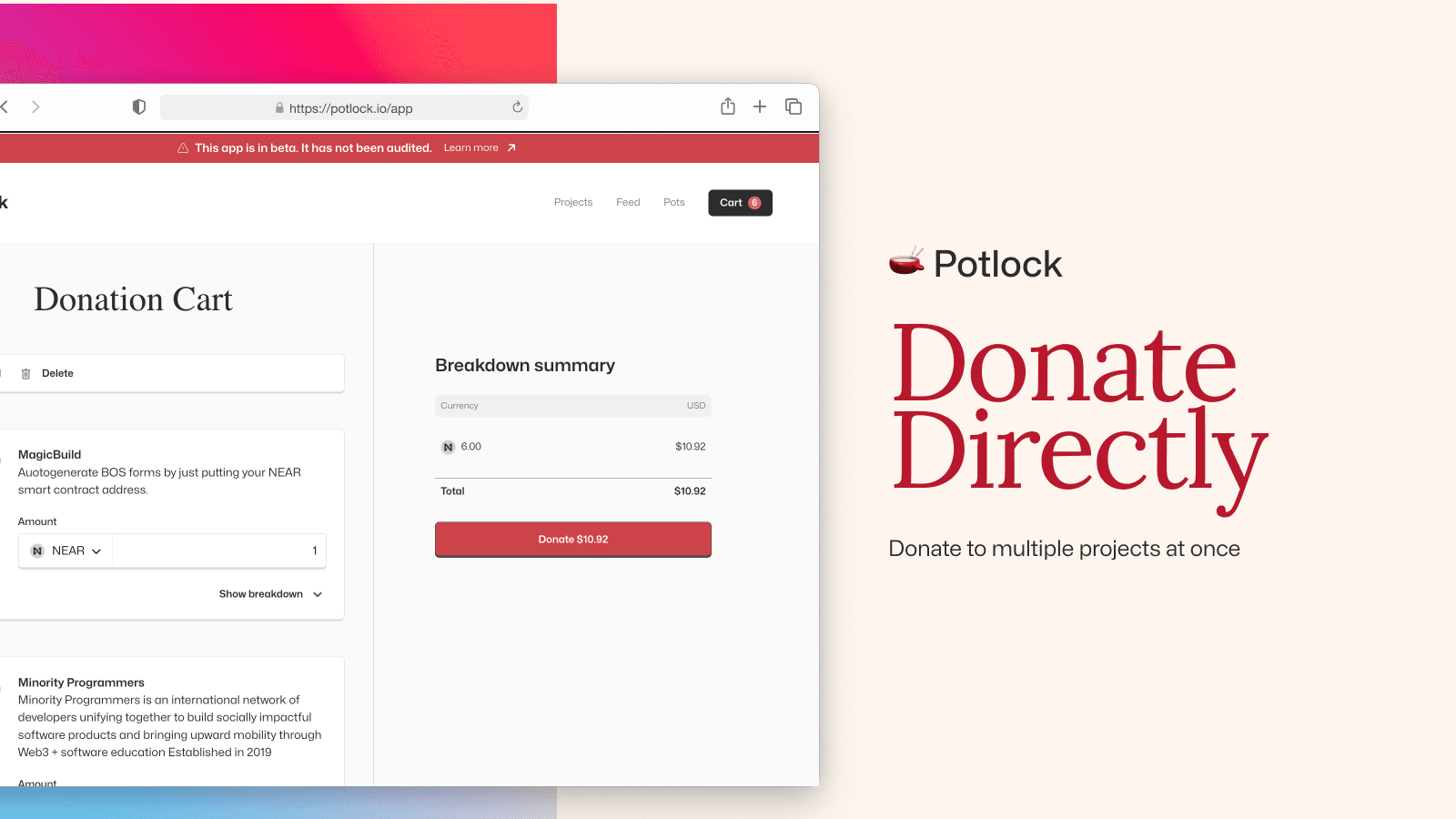
POTLOCK supports donations across EVM chains, Bitcoin and forks, and Layer 1 chains. The flow is the same for every network: choose a campaign, click donate, select your chain from the dropdown, enter an amount, then pay via the QR code and receive on-chain confirmation.
NEAR donations: two options
For NEAR you can: (1) Donate via QR code — pay from any supported chain (cross-chain); settlement is in NEAR. (2) Sign in with your NEAR wallet and transact directly from your balance (add to cart, proceed to donate). Both support the same campaigns; see the NEAR user guide at docs.potlock.org/docs/user-guides/donate-by-chain/donate-near and the direct-donation flow at docs.potlock.org (Donate to a project).
How to donate (any chain)
- Choose a campaign — Go to app.potlock.org and open the campaign you want to support.
- Click Donate — On the campaign page, click the Donate button.
- Select your chain — Open the chain/network dropdown and select your network (e.g. NEAR, Ethereum, Bitcoin, Solana, Arbitrum, Base, Polygon, Sui, TON, XRP, Starknet).
- Choose an amount — Enter the amount in the selected chain's currency (e.g. NEAR, ETH, BTC, SOL).
- Pay with the QR code — A QR code appears; scan it with your wallet or use the wallet's send flow to pay the exact amount (for NEAR, you can pay cross-chain; settlement is in NEAR).
- Confirmation — You receive confirmation of the transaction; verify on the relevant block explorer or in your wallet.
Supported networks
EVM chains: Arbitrum, ADI, Aurora, Base, Bera, BNB Chain, Ethereum, Gnosis, Optimism, Plasma, Polygon, Avalanche, Monad, XLayer, Dash, Scroll. Bitcoin and forks: Bitcoin, Dogecoin, Zcash, Bitcoin Cash, Litecoin. Layer 1: Aleo, Cardano, NEAR, Solana, Stellar, Sui, TON, Tron, XRP, Starknet. Full list and official links: potlock.org/supported-chains.
Summary
One flow for all chains: Choose campaign → Donate → Select chain from dropdown → Amount → QR code → Pay → Confirmation. For NEAR you can also sign in and pay directly from your wallet balance (see Donate to a project). For direct project donations see Donate to a project; for quadratic funding rounds see Matched donations or donate through a Pot at docs.potlock.org.